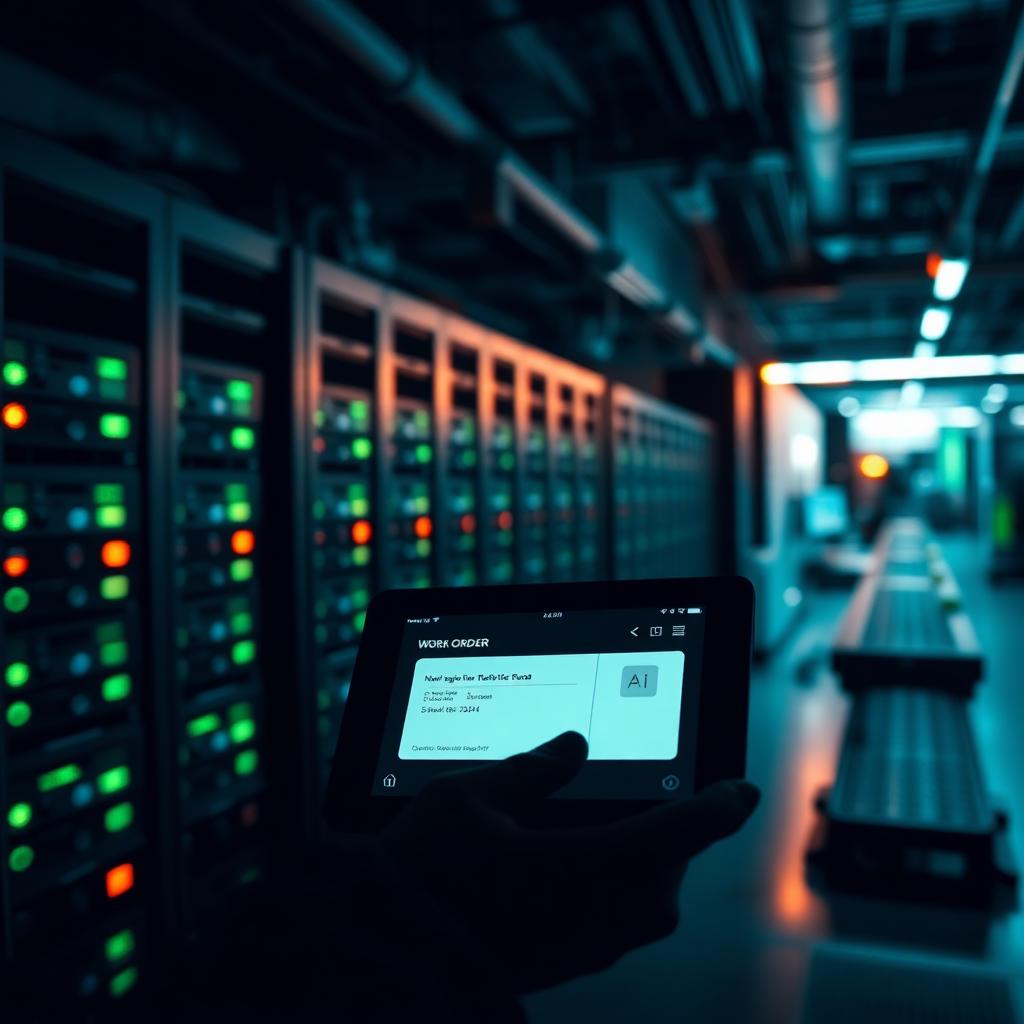
Fix Finder is the AI agent that reads every past incident, corrective action, root cause, and fix your plant has ever logged, then serves the proven resolution to the operator on shift the moment a similar issue reappears. It turns tribal knowledge — the retired technician who "just knew" — into a durable enterprise asset inside the AI-Powered System of Execution, and it cuts MTTR by removing the re-investigation step that eats most of the repair window. See what Fix Finder would recover on your own line in the ROI Report.
The problem: your plant already solved today's issue. Yesterday. And forgot.
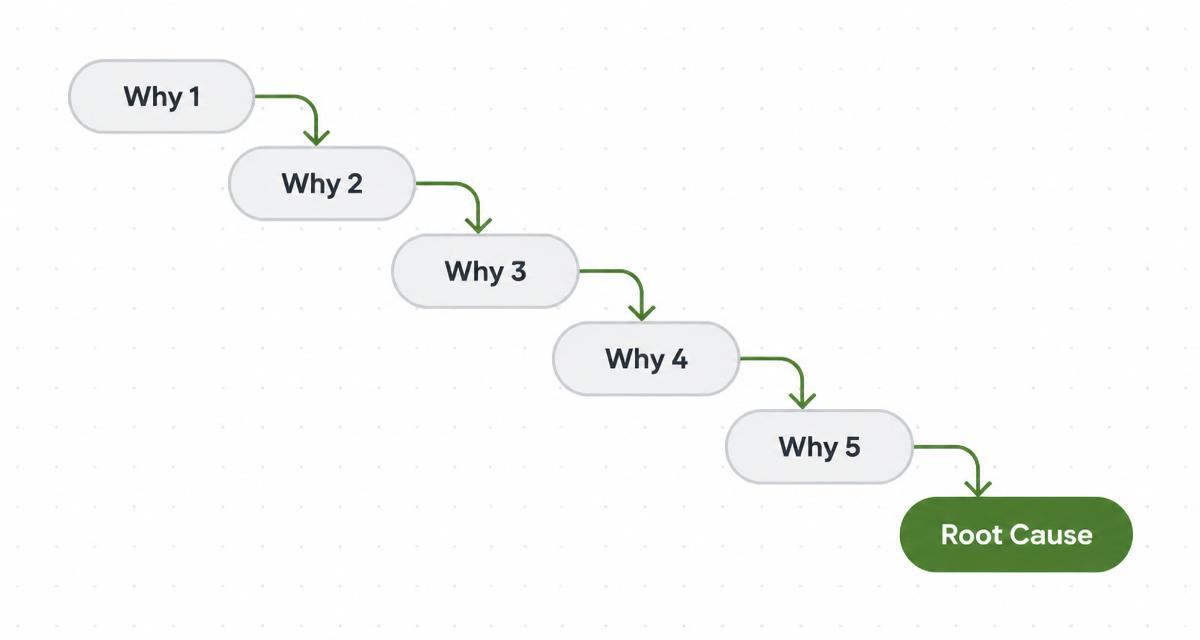
Walk any maintenance floor and you'll hear the same conversation twice a week. A line goes down. The technician on shift starts diagnosing from zero — pulling the fault code, checking the manual, poking around the PLC, calling the supervisor. Forty minutes later, they land on a fix. It's the same fix another technician landed on three months ago, on a sister line, in a different plant. Neither of them will remember it in six months.
This is not a skills problem. It is a memory problem. Every plant we walk into has thousands of corrective actions sitting in the CMMS, quality logs, incident reports, and email threads. The information exists. It's just not findable in the six-minute window between "line down" and "line back up" — the window that actually matters for MTTR, and the window where Operational Excellence stops being a slide and starts being a decision on the floor.
The cost of that memory gap is measurable and it stacks:
- Repeat investigation time. The BLS puts industry-average MTTR between 4 and 8 hours across manufacturing. Roughly a third of that window — sometimes more — is diagnostic, not repair.
- Re-investigation of already-solved issues. Aberdeen Group's benchmarking has held for years: 20–30% of unplanned downtime events are recurrences of problems the same plant already solved.
- Institutional knowledge walking out the door. The average tenure of a US maintenance technician is under six years. When a senior tech retires, an estimated $50k–$150k of undocumented plant-specific problem-solving leaves with them.
- Cross-plant blindness. Multi-site manufacturers almost never share fixes across facilities. The same fault code gets investigated from scratch in Ohio, Texas, and North Carolina in the same quarter.
None of this is exotic. It's the default state of most plants — and it's the state Fix Finder is built to end.
What Fix Finder actually does
Fix Finder is one of Decisyon's AI agents — a purpose-built worker inside the AI Workforce that runs alongside your operators and does one job exceptionally well. Its job is to find the fix.
The moment an operator logs a symptom, a fault code fires from a PLC, or a quality defect is flagged, Fix Finder searches — in the background, in seconds — every incident record, every corrective action closed against a similar asset, every root cause analysis filed anywhere in the enterprise. It then surfaces the most relevant proven resolution directly to the operator's tablet, along with the confidence score, the plant it was solved at, and the technician who signed off on it.
This is not keyword search. It is context-aware retrieval that understands asset type, fault signature, environmental conditions, and outcome. The agent knows the difference between "motor overheating on a filler at 8 a.m. after a wet clean" and "motor overheating on a conveyor at 3 p.m. under peak load" — and it retrieves the fix that solved this one, not just something adjacent.
Three specific patterns Fix Finder handles that generic search does not:
- Recurring downtime, same fault code, different line. The palletizer at Plant B trips the same E-042 code the palletizer at Plant A tripped last quarter. Fix Finder surfaces Plant A's closed work order — including the specific belt tension the technician settled on — before Plant B's operator finishes reading the alarm.
- Quality defect resurfacing across shifts. A scrap spike on a molding line looks familiar to the day-shift supervisor but no one on nights recognizes it. Fix Finder pulls the last three closed CAPAs against the same defect pattern, with the actual corrective action applied and the days-to-recurrence for each.
- Cross-plant fault code lookup during startup. A new plant coming online hits a fault code the site has never seen. Fix Finder searches the sister plants and returns the two closed incidents that match, with the technician contact and the estimated time to resolve.
The output is always the same shape: the proven fix, the evidence, and the confidence — served in the moment the operator needs it, not filed in a report they'll never read.
Why an AI agent, not just better search
Search tools have been sold to manufacturers for two decades. They mostly fail on the plant floor for four reasons, and each one is why a purpose-built agent inside an AI-Powered System of Execution works where a search bar does not:
Search waits to be asked. Agents act on triggers. Fix Finder wakes up when a fault code fires, a work order opens, or a defect is logged. It doesn't wait for a stressed operator to think "maybe someone solved this before." The retrieval happens before the operator has finished asking the question.
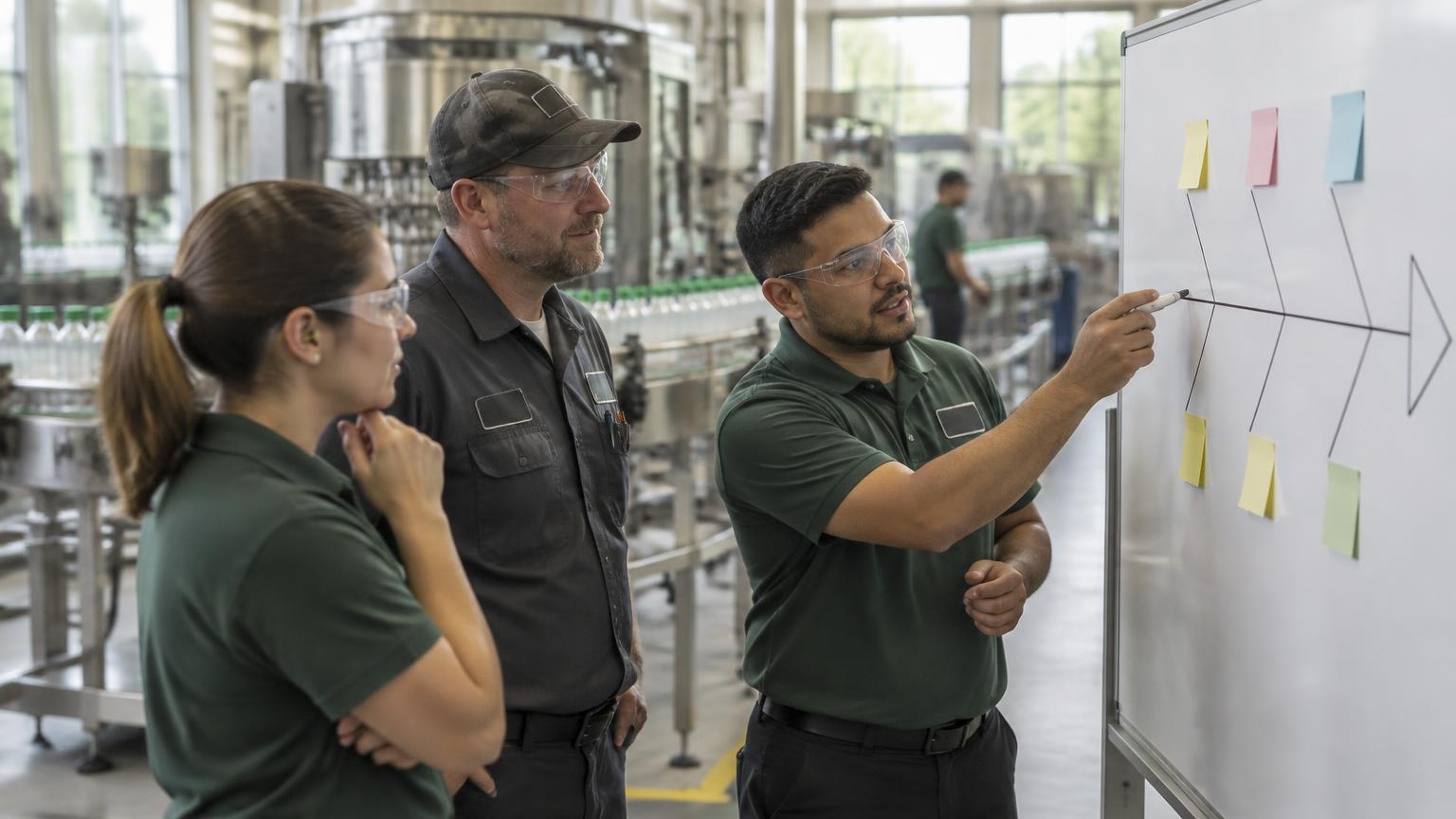
Search returns documents. Agents return decisions. A generic search over your CMMS returns twelve tickets. Fix Finder returns the one closed corrective action that actually worked, along with the ones that didn't and the reason. That's the difference between reading and acting — and it's why an AI Workforce compounds where a search index doesn't.
Search treats every plant as a stranger. Agents learn your context. Fix Finder knows this is Line 3, this is the filler asset, this fault code has been solved before at Plant B, and the technician who signed the fix is on shift right now. Generic search treats every query as first contact.
Search assumes the data is clean. Agents work with the mess you actually have. Real plant records are inconsistent — half in the CMMS, half in emails, half in a technician's notebook. Fix Finder is built to reconcile that and surface the fix regardless of where the record lives.
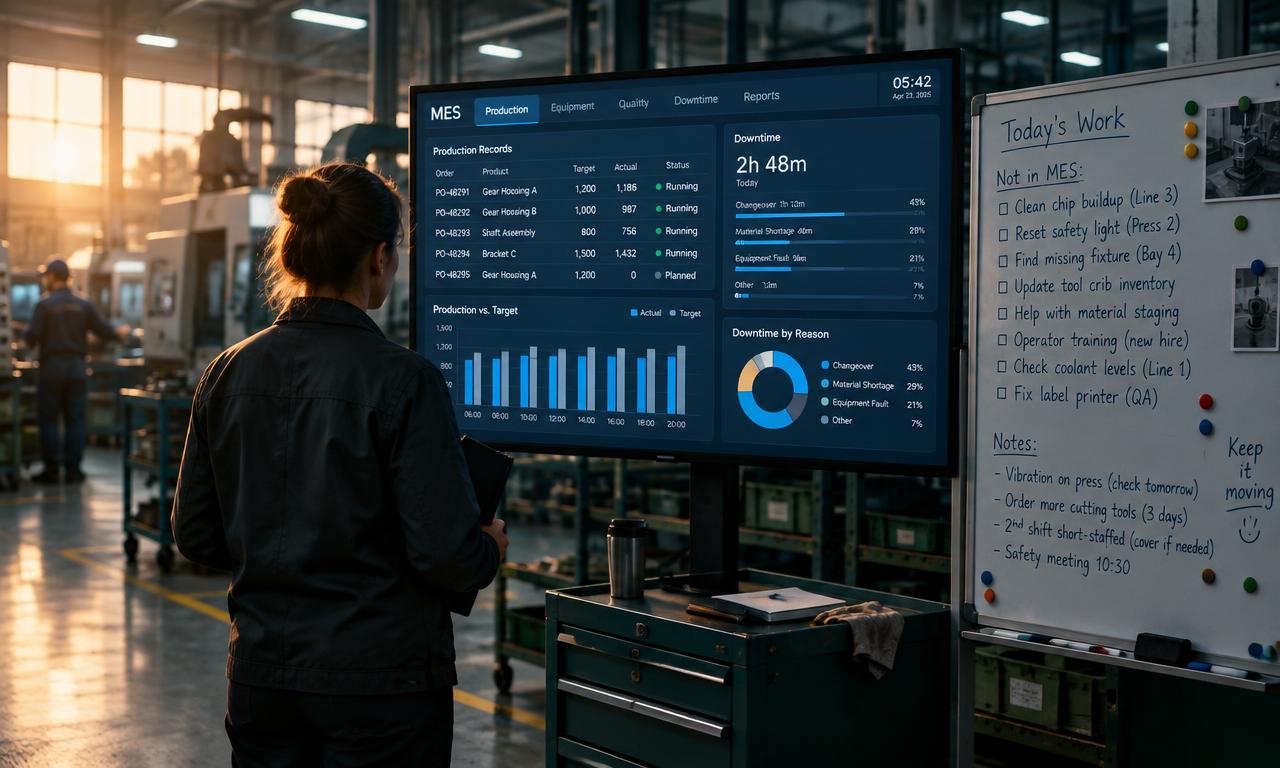
The technical shape: Fix Finder is a retrieval-augmented agent grounded in your enterprise's operational data, plugged directly into the CMMS, EAM, quality system, and incident logs. It runs on the Decisyon platform, it reads what Smart Gateway captures off the PLCs for context, and it hands proven resolutions back through the same interfaces the operator already uses. No new screen to learn. No new inbox to check.
The value: MTTR, recurrence, and knowledge retention — quantified
The three levers Fix Finder pulls are the three that matter most to a maintenance budget and to Operational Excellence at the plant level:
MTTR. The diagnostic portion of the repair window collapses when the fix is served before the operator finishes diagnosing. Sites that deploy institutional-knowledge agents typically see a 25–40% MTTR reduction inside the first quarter — mostly from eliminating re-investigation, not from repairing faster.
Recurrence rate. When the fix that worked is easy to find and the fix that didn't is flagged, the recurrence rate on the same fault code drops sharply. The typical trajectory is a 30–50% reduction in repeat incidents within two quarters, because the second occurrence becomes trivial and the third occurrence forces a real root cause conversation.
Knowledge retention. The retirement of a senior technician stops being a crisis. Every fix that technician ever closed is retrievable by the person on shift tomorrow. For multi-site manufacturers, this is where the leverage compounds — the best fix from any plant becomes the default fix at every plant, and Operational Excellence stops being one plant's story.
Two secondary effects that show up in the numbers about six months in:
- Fewer escalations to engineering. Operators resolve more issues themselves because the guidance is specific and proven, not a generic troubleshooting tree. Engineering time reallocates from firefighting to root cause and design changes.
- Better CAPA quality. When the agent is only as good as the closed work orders it retrieves, closing a work order thoroughly stops being paperwork and starts being an investment. Documentation quality improves organically because the team sees the payoff.
None of this requires a rip-and-replace. Fix Finder plugs into what's already there — the CMMS, the EAM, the quality system — and starts returning value on day one, against the records you already have. Estimate your plant's number in the ROI Report.
What it looks like in practice
A specific pattern, drawn from what we see across deployments:
A bottling line at a beverage plant trips a level-sensor fault at 2:47 a.m. The night-shift operator gets the alarm on the plant-floor tablet. Fix Finder — which has been reading the incident log continuously — pings back within three seconds: "This fault has been solved twice. Last time at this asset, six weeks ago. The corrective action was to re-seat the sensor connector and re-run the calibration cycle. Estimated time: eleven minutes. Confidence: 0.87. Signed by: J. Alvarez."
The operator applies the fix. The line is back in twelve minutes. Without Fix Finder, the same operator would have spent forty minutes diagnosing — that's a 3× MTTR delta on a single event, and it happens across every shift at every site every day.
That is what "closing the loop" actually looks like on the floor. Not a dashboard. Not a report. An answer, served in the window that matters — the small unit of Operational Excellence that a system of execution runs on all day, every day.
Where Fix Finder fits with your other systems
Fix Finder is one member of an AI Workforce that grows over time. It works well alone and it compounds when paired with the other agents in the family:
- With Predictive Maintenance: Predictive Maintenance predicts the failure. Fix Finder retrieves the proven resolution. Together, the operator gets the alert and the fix in the same message.
- With Process Conformance: Process Conformance flags a deviation. Fix Finder shows how the same deviation was resolved and documented last time.
- With Prescriptive APM: APM identifies the asset at highest risk. Fix Finder attaches the intervention library so the maintenance plan is proven, not theoretical.
The pattern is consistent — every agent in the Decisyon agent family is designed to hand off cleanly to the next one, and to sit inside the workflows the plant already runs. That is what makes it a workforce, not a tool stack.
Getting started: what a first deployment looks like
Three-week shape for a first Fix Finder deployment:
- Week 1 — connect the sources. CMMS, EAM, incident log, quality system. Smart Gateway attaches PLC context. No data migration; the agent reads in place.
- Week 2 — tune the retrieval. Point the agent at a specific asset family (typically the top failure mode by MTTR) and calibrate confidence thresholds against three months of historical fault codes.
- Week 3 — roll to shift. Enable retrieval on the plant-floor tablet. Operators see the proven fix on every alarm. Measure MTTR delta at 30, 60, and 90 days.
No new hardware. No new screen. Value returns against the records you already have. If you want a per-line lift estimate before any sales call, the ROI Report is calibrated to Fix Finder's typical impact and takes about two minutes.
Where Decisyon fits
Fix Finder is one agent in the AI Workforce that runs on Decisyon's AI-Powered System of Execution. The category isn't a search tool and it isn't a bolt-on assistant — it's the operational memory of the plant, always on, always retrievable, and it turns MTTR, recurrence, and knowledge retention into the compounding Operational Excellence numbers that show up on the P&L a quarter later. The meeting where a senior tech says "I've seen this before" happens every shift now, without the senior tech in the room.
Two ways to size this for your plant before any sales call:
- Run the ROI Report — two minutes, per-line lift estimate calibrated to Fix Finder impact.
- See more customer case studies — how the AI Workforce is running across food and beverage, pharma, and industrials plants today.
Related questions
How is Fix Finder different from a CMMS search bar? A CMMS search bar waits to be asked and returns documents. Fix Finder wakes up on a fault-code trigger, ranks the closed corrective actions by relevance and confidence, and serves the one that actually worked to the operator's tablet — before the operator has finished reading the alarm.
Does Fix Finder replace our CMMS or EAM? No. Fix Finder reads from the CMMS, EAM, quality system, and incident logs you already run. It sits on top of the systems of record — inside the AI-Powered System of Execution — and surfaces the fix through the interfaces operators already use. Deployment is measured in weeks, not months.
How long until Fix Finder starts reducing MTTR? Sites typically see a measurable MTTR reduction inside the first 30 days on the asset family Fix Finder is tuned against, and a 25–40% reduction against baseline inside the first quarter. The impact stacks as more incident records are indexed and more shifts adopt the tablet workflow.
What data does Fix Finder need to work well? Closed work orders, corrective actions, root cause analyses, quality incident logs, and — for context — PLC fault codes and sensor readings. It works with the data quality you actually have; the retrieval improves as documentation quality improves, which it typically does organically once operators see the agent returning value.
Can Fix Finder share fixes across plants? Yes. For multi-site manufacturers this is where the leverage compounds — the best fix from any plant becomes the default at every plant. Retrieval respects site permissions where required. This is what turns local wins into enterprise-wide Operational Excellence.